From the blog
Latest writing
How to Run the V-Model and Agile Sprints at the Same Time
How to run automotive V-model programmes on agile sprints: vertical slicing, three cadences and scope-per-gate, with ASPICE and ISO 26262 evidence built in.
Read the articleAgile ASPICE and ISO 26262: Compliance Evidence Inside the Sprint
Can an agile team pass ASPICE and ISO 26262? Yes, if evidence lives in the Definition of Done. What the standards allow, and how to build it in the sprint.
V-Model vs Agile in Automotive: Six Hybrid Workflows Compared
V-model vs agile is the wrong question in automotive. Six hybrid workflows compared, from Water-Scrum-Fall to SAFe and Agile SPICE, and how to choose one.
Explore
Go deep on one topic
Every guide is filed under the engineering problem it solves.
The field guide
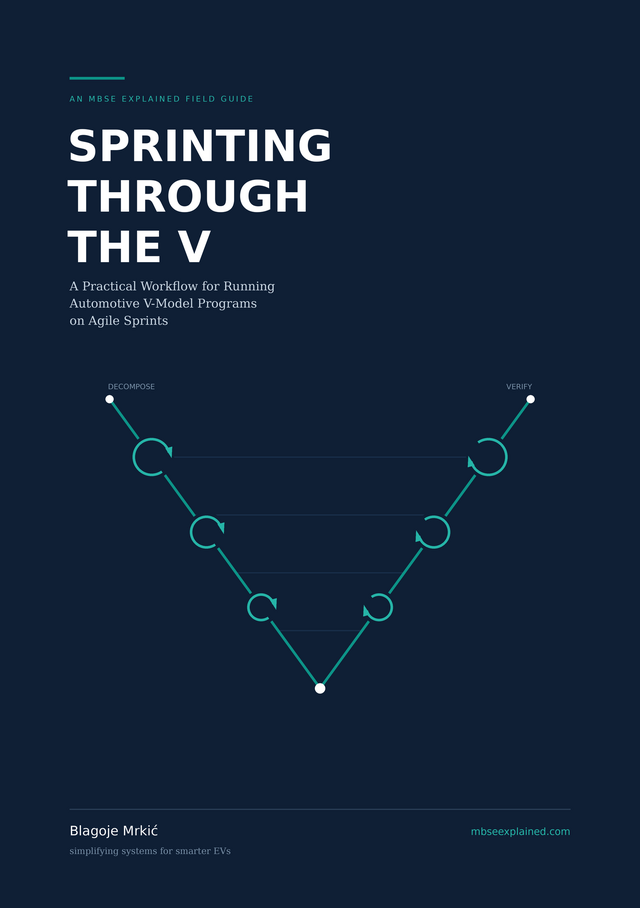
Sprinting through the V
The V-model is a structure of evidence. The sprint is a structure of scheduling.
A 43-page guide to running agile sprints inside an automotive V-model without breaking traceability, ASPICE assessments or ISO 26262 safety cases. Written for systems engineers, architects and leads who have to make both work on the same programme.
Launch offer$19.99 $8.99 for the first 100 readers
Free tool
See inside any ARXML file
EasyARXML turns AUTOSAR XML into a diagram you can actually read. Built for the review where you need to check a connection, not open a tool licence.
- Diagram in seconds. Drop an ARXML file and get its components, ports and connectors laid out.
- Details on click. Select any element to see its interfaces, runnables and timing.
- Browser or VS Code. Same viewer on the web and as a VS Code extension, beside your code.
- Nothing leaves your machine. Parsing happens locally. No upload, no account, no licence seat.