EasyARXML Rebuilt - It No Longer Touches a Server and exports PDF report

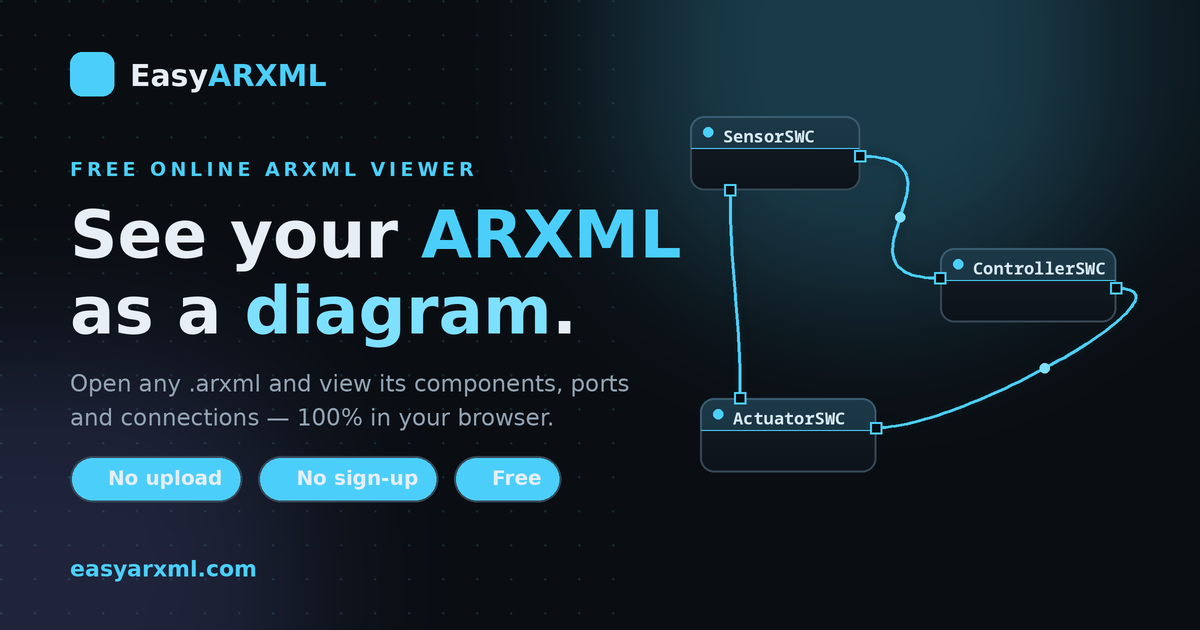 Two updates to EasyARXML: the parser now runs entirely in your browser, and you can export the diagram as a PDF report.
A while back I wrote about why reading an ARXML file shouldn't cost you a tool license, and introduced EasyARXML — a free, in-browser viewer that turns an AUTOSAR .arxml into a diagram of software components, ports and connectors. Since then I've made two changes that matter enough to write about, because both came directly from the same realization: I was building for automotive engineers, and the first version didn't fully respect what that means.
Welcome to MBSE Explained. This is a short, honest changelog — what changed, and why.
1. It No Longer Touches a Server
The first version of EasyARXML parsed ARXML server-side. You'd drop a file, it would go up to a backend, get parsed, and the diagram would come back. Technically fine. Architecturally wrong — for this audience specifically.
Here's the problem I should have led with from day one: ARXML describes confidential vehicle software. It's covered by NDAs, it's competitively sensitive, and nobody in automotive should be uploading it to a random web tool — mine included. A viewer that quietly ships your file to a server it doesn't control is asking you to do exactly the thing your security and legal teams tell you not to do. The convenience isn't worth it, and honestly it shouldn't have been on the table.
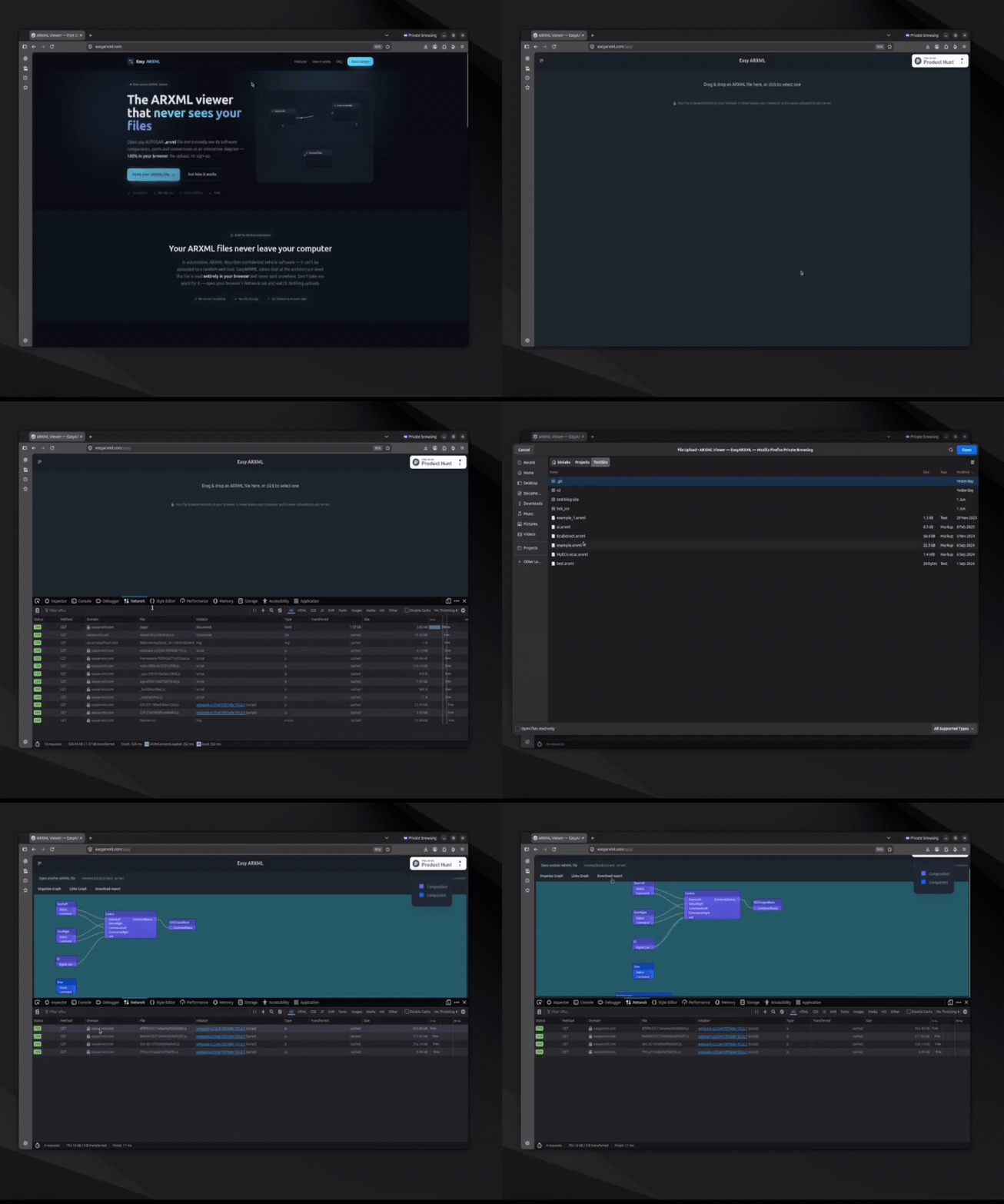
So the parser moved into the browser. Now your file is read locally, rendered locally, and never leaves your machine. There's no upload, no server round-trip, no storage. And you don't have to take my word for it — open your browser's Network tab, drop in a file, and watch. It takes about five seconds to confirm that nothing goes out. That verifiability is the point: privacy you can check beats privacy you're asked to trust.
This one change is what makes EasyARXML usable inside an automotive organization at all. Everything else is a feature. This is the foundation.
2. Download a PDF Report
The second change is about getting the diagram out of the browser and into your workflow.
You can now auto-arrange the diagram and export it as a PDF — software components, ports and connectors, laid out cleanly on a page. It's something you can actually attach to a review, drop into a design discussion, or hand to an integrator who needs to see the structure without opening any tooling at all.
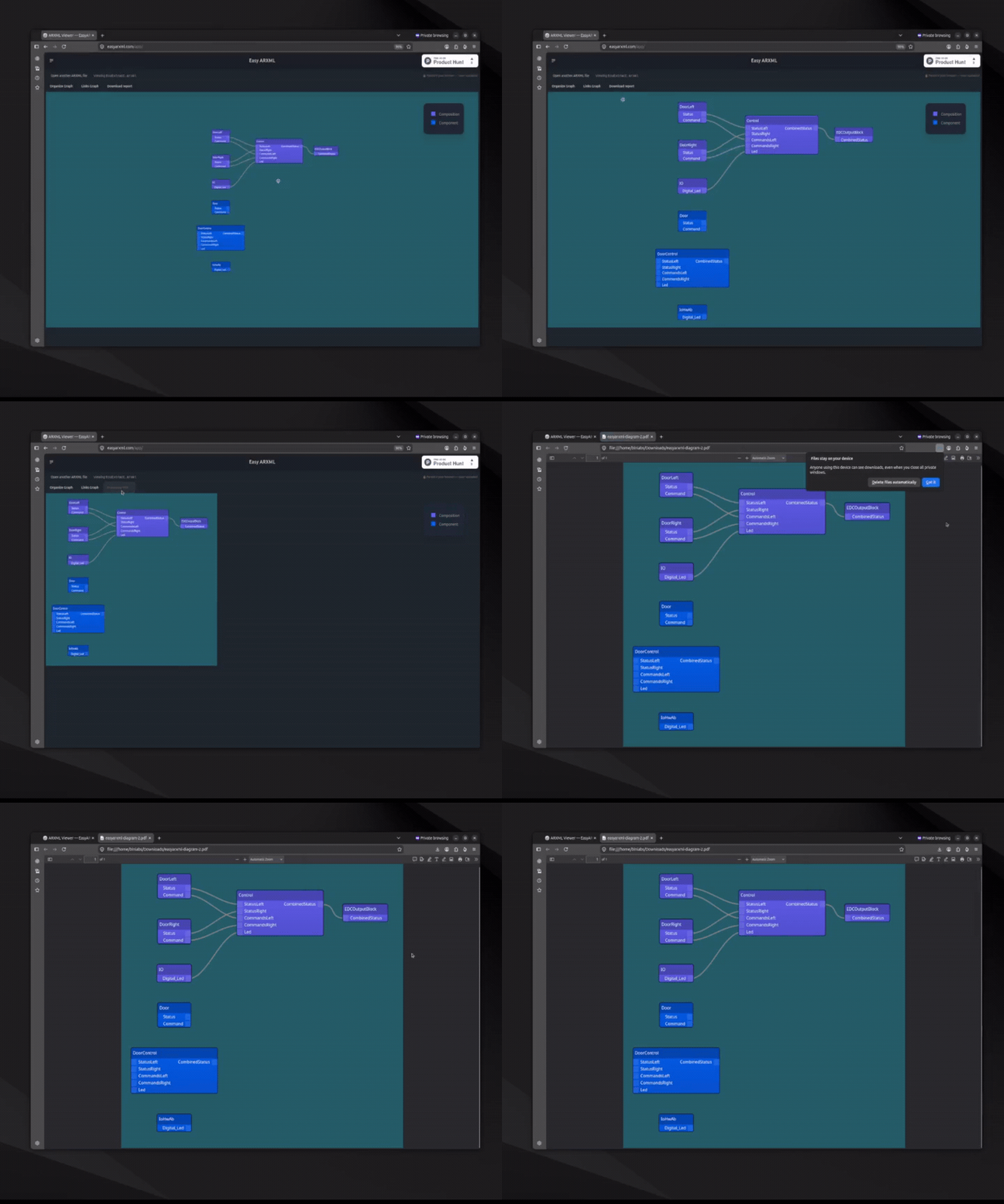
That closes a small but real gap. Viewing an ARXML in your browser is useful; being able to share what you saw — as a clean artifact, not a screenshot — is what makes it part of a real review loop instead of a throwaway glance.
Why This Exists At All
Both changes trace back to the same everyday annoyance that made me build EasyARXML in the first place. I kept opening heavyweight configuration tools — the kind that take real time just to launch — for one small question: "what actually changed in this file?" Or an even simpler one: "what's in this thing a supplier just sent me?"
That's not a job that should require a full authoring seat, a license checkout, or a wait on a shared license pool. It's a reading task. And reading tasks are frequent, quick, and — done right — should be private and free. EasyARXML is my attempt to make that specific moment painless: open the file, see the architecture, export it if you need to, and never once worry about where the file went.
It's a viewer, deliberately — it doesn't replace your configurator for the work that genuinely needs one. It just removes that tool from the large number of moments when all you needed was to look.
If you work with ARXML, try it with one of your own files — and if you still don't trust it, that's exactly what the Network tab is for.
That's the mission here at MBSE Explained — simplifying systems for smarter EVs. What's the ARXML task that most often makes you reach for a heavyweight tool when you wish you didn't have to? Tell me in the comments — it shapes what I build next.